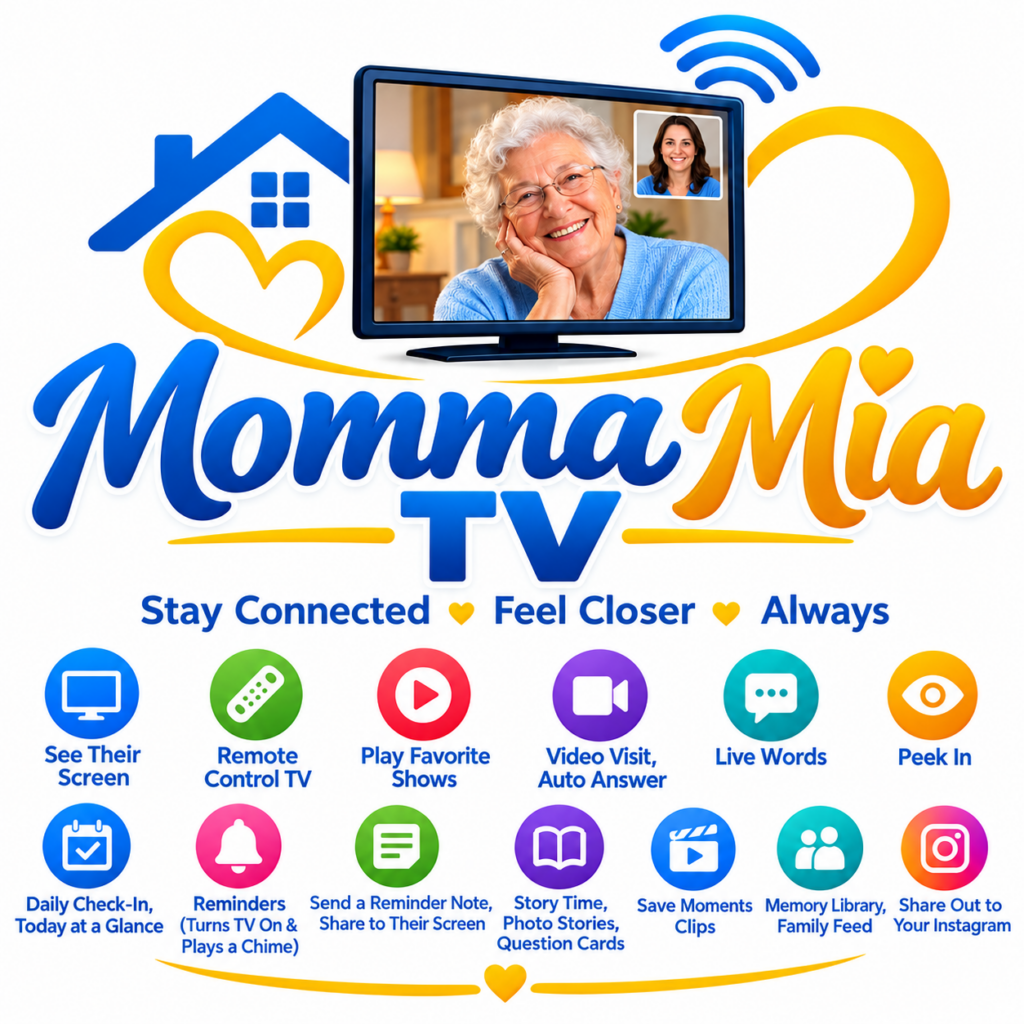
Momma Mia TV
Stay Connected. Feel Closer. Always.
Bring your family closer together with a new way to connect with Mom, Dad, Grandma, Grandpa, and the people you love — right through the television.
Whether your family lives nearby or on the other side of the world, Momma Mia TV is designed to help you share moments, stay in touch, and make everyday family connections easier.
Subscribe to Momma Mia TVTechnology That Brings Families Closer
Staying connected with an aging parent or grandparent can be difficult when distance, busy schedules, or everyday challenges get in the way.
Momma Mia TV was created to help families make more room for communication, friendly reminders, stories, video visits, and meaningful moments together.
Our goal is simple: help families feel closer, even when they cannot be in the same room.
Discover Momma Mia TV Features
Explore the tools designed to help families stay involved and connected.
See Their Screen
Access the supported screen-viewing features when configured and authorized.
Remote Control TV
Use supported remote-control features to help with television tasks.
Play Favorite Shows
Access supported entertainment features and enjoy favorite shows.
Video Visits
Stay in touch through video visits, including automatic answering where configured and supported.
Live Words
Use available live-word communication features to stay connected.
Peek In
Use the available peek-in feature with appropriate permission and setup.
Daily Check-In
Review daily check-ins and today’s overview as part of your family routine.
Reminders
Configure reminders that can turn on the TV and play a chime where supported.
Reminder Notes
Send a reminder note for display on your loved one’s screen.
Story Time
Share photo stories, family stories, and question cards.
Save Moments
Save supported clips and preserve meaningful family moments.
Memory Library
Build a family memory library and share moments through supported family-feed features.
Share Out
Share selected memories through supported social-sharing features.
Your Family Connection Starts Here
Enjoy Momma Mia TV for one simple monthly subscription.
Cancel at any time.
Ready to bring your family closer? Subscribe below using PayPal.
Your subscription will be billed according to the monthly plan and terms shown during PayPal checkout.
Please verify your subscription details at checkout. Subscription cancellation is subject to the applicable PayPal subscription terms.
How to Set Up Momma Mia TV
After subscribing and completing registration, use the setup links provided in your welcome email. Both the parent-side device and the family-side device must complete their required setup.
Subscribe and Complete Registration
Purchase your monthly subscription through PayPal. Complete the required registration process and keep your account details secure.Prepare the Parent’s Television
Make sure the television and any required connected device are powered on and connected to the internet. Check that the device, browser, and TV are compatible with the features you want to use.Set Up Parent TV
Open the Parent TV setup page on the device intended for your parent or grandparent.Follow the instructions displayed by the software to configure the parent-side connection.
Family Connection and Privacy
Respect your parent’s or grandparent’s privacy. Obtain informed permission before enabling screen viewing, video access, remote control, peek-in, or other features that may expose private activity.
Explain what the software can access, who can use it, and how access can be stopped. Use strong account security and configure permissions carefully.
Momma Mia TV is intended to support family communication. It is not a substitute for emergency services, professional caregiving, or medical monitoring. Do not rely on it as the only means of checking someone’s safety.
After you have completed your monthly subscription, we will send you an email that contains two links to set up your connection.
Please also check your spam folder as some email software filters sometimes sends important emails to spam folder.